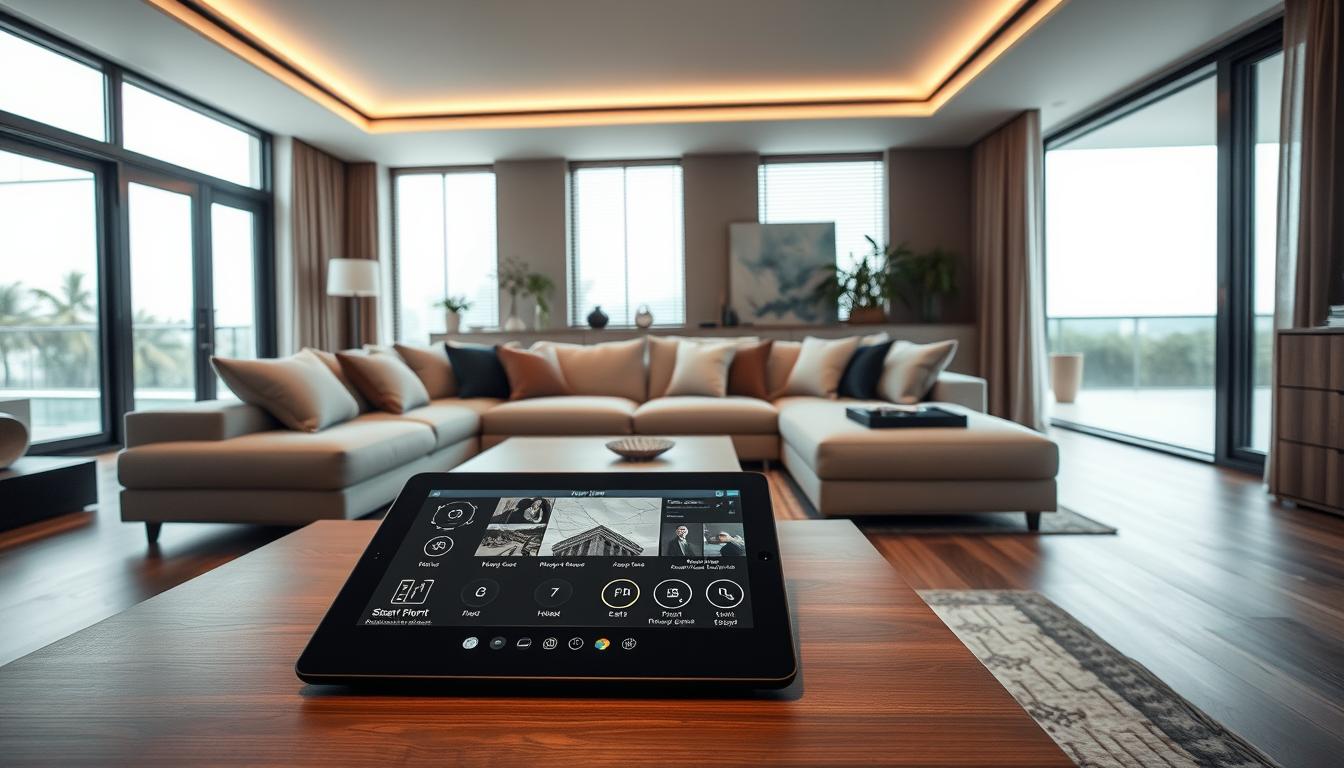
Let’s start with a heresy: the pinnacle of luxury isn’t more stuff, it’s less friction.
Think about it. A Frank Lloyd Wright house doesn’t scream “I HAVE A ROOF”; it is shelter, art, and environment in one silent, powerful statement.
That’s our north star for smart home integration design first. We’re not just installing gadgets; we’re drafting the digital architecture of daily life.
What does true tech luxe look like? It’s seamless. It’s invisible. If your technology feels like technology, you’ve already lost the plot.
This is a manifesto for the quiet revolution. Imagine a living space where intelligence is ambient, and control is intuitive.
That’s the promise of whole home automation done right. It’s the difference between a loud gadget and a silent system. One demands attention; the other grants freedom.
Consider the butler who anticipates your needs without a word. That’s the standard. Your house shouldn’t announce its IQ; it should simply use it.
The most powerful background processes are the ones you never see. This isn’t about more screens. It’s about needing fewer commands. Welcome to the art of the invisible.
Prewire strategy rooms racks conduit and future proofing
The prewire phase is where dreams of a smart home either get a solid backbone or become a tangled mess of regret. This isn’t about the shiny gadgets you’ll touch. It’s about the silent, intelligent skeleton you’ll never see. A proper prewire strategy is the ultimate act of intellectual humility. You’re admitting you don’t know what 2035’s killer app will be, but you’re smart enough to leave a runway for it.
Think of it as an archaeological dig in reverse. We’re burying the digital treasures for future you to discover. Ignore this step, and you’re building a body with a nervous system made of string and hope. The goal is a home that feels intuitive, not intrusive. That magic starts here, in the bones.
Mapping rooms is the first chess move. It’s not just counting outlets. It’s a psychological profile of each space. Will the primary bedroom need motorized shades and a ceiling speaker for white noise? Does the kitchen nook secretly yearn to be a video call station? We layer possible use cases over the floor plan. Every wire run is a hypothesis about how you’ll live.
Centralized racks are your mission control. The tech closet is the unsung hero. This is where all your low voltage prewire lines converge. A good rack isn’t just a metal shelf. It’s a curated environment with cooling, clean power via a UPS, and room to grow. It turns a possible spiderweb of cables into a neat, serviceable library of connections.
Then there’s conduit—the digital arteries. Running cable through walls is good. Running empty conduit is genius. Conduit is a hollow pipe that lets you pull new cables later without tearing into drywall. It’s your get-out-of-jail-free card for future tech. We snake it to key locations: behind the primary TV, to the ceiling center of major rooms, near doorways.
This is the core of the low voltage prewire philosophy. Spend on the skeleton now to avoid costly, invasive surgery later. It’s boring insurance. The table below breaks down the strategic approaches.
| Strategy | Key Components | Pros | Cons | Best For |
|---|---|---|---|---|
| Basic Prewire | Essential cables for planned devices (TV, APs). | Lowest upfront cost. Simple. | Zero flexibility. Any change requires demolition. | Budget-focused builds with fixed tech plans. |
| Structured Prewire | Dedicated lines to each room, centralized rack. | Neat, organized, and easily managed. | Higher initial investment. May lack future pathways. | Most new construction aiming for a clean, reliable setup. |
| Future-Proof Prewire | Structured cabling + empty conduit runs to critical zones. | Maximum adaptability. Protects long-term value. | Highest material and labor cost during build. | Luxury homes, tech enthusiasts, and true legacy builds. |
Why does this matter? Technology evolves at a comic book pace. The wire you need in five years doesn’t exist today. But the tube it will travel through does. Installing conduit is a bet on human ingenuity. You’re not betting on a specific brand or protocol. You’re betting that someone, somewhere, will invent something amazing that requires a new wire.
This is the future-proofing mindset. It transforms your home from a static container into a dynamic platform. The low voltage prewire is the spinal cord. Get it right, and everything else—lighting, audio, security—plugs into a robust, adaptable system. Get it wrong, and you’ll be stuck with wireless bandaids and regret.
The process is unsexy. It involves blueprints, electricians, and a lot of trust. But it’s the single greatest determinant of whether your smart home feels like a helpful butler or a needy houseguest. Plan the nerves, and the body will sing.
Network first Wi Fi heat maps hardwired backbones UPS and cooling
A “network first” approach isn’t about being high-tech. It’s about understanding that every smart device needs a lot of data. They’re always talking, and if the network is slow, your smart home will lag.
Setting up a router is more than just plugging it in. It’s about creating a network backbone. We use Wi-Fi heat mapping to plan the best spots for your router. This method uses physics to predict signal strength before we start.
This method gives us a detailed map of your home’s Wi-Fi. It shows where signals are strong and where they’re weak. This way, we can fix problems like a dead zone behind your fireplace.
Then, there’s the hardwired backbone. Ethernet cables are like the reliable butler of your network. They handle the heavy tasks, like streaming and gaming, while Wi-Fi is more like the chatty cousin.
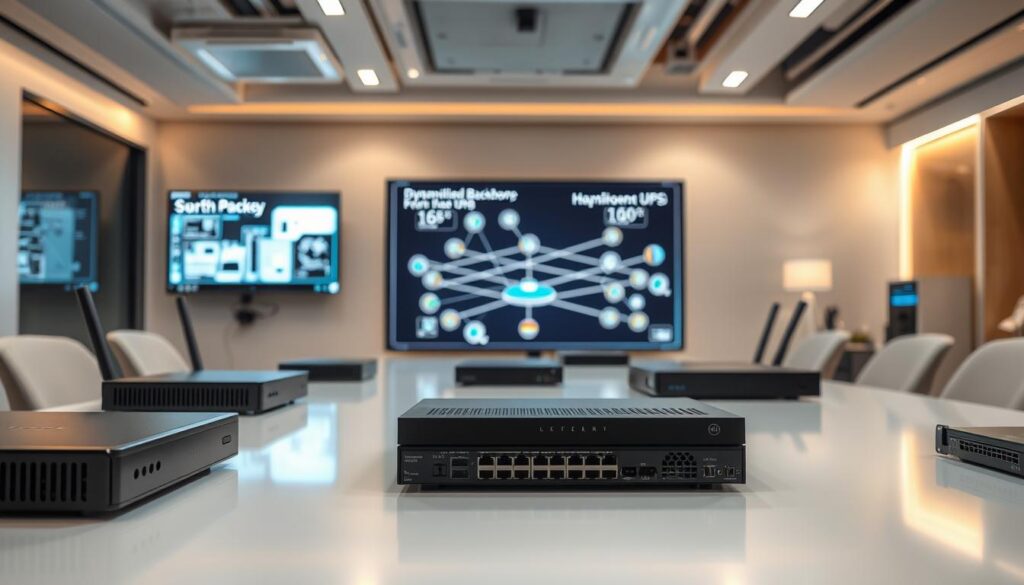
This backbone is the backbone of your network. It makes sure your Wi-Fi works well. It’s the foundation that connects all your devices smoothly. Here’s a comparison of Wi-Fi and hardwired networks.
| Feature | Wi-Fi Network | Hardwired Backbone |
|---|---|---|
| Primary Role | Provides flexible, wireless connectivity for mobile devices. | Acts as the fixed, high-speed core for stationary equipment and access points. |
| Reliability | Subject to interference from appliances, walls, and neighbors. | Nearly 100% reliable; a dedicated, shielded pathway for data. |
| Bandwidth & Latency | Shared, variable, and can degrade with distance and congestion. | Dedicated, consistent, and offers the fastest possible speeds with minimal delay. |
| Future-Proofing | Limited by evolving wireless standards (Wi-Fi 6, 7, etc.). | High-quality Ethernet (Cat6A/Cat7) supports speeds for a decade or more. |
A strong network backbone needs backup. That’s where UPS and cooling come in. A UPS keeps your network running smoothly during power outages. It’s like a safety net for your network.
Cooling is also key. Network equipment can get hot, leading to problems. Good airflow keeps everything running smoothly. It’s all about creating a stable environment for your network.
With the right setup, your network becomes invisible. It works seamlessly in the background. The goal is for you to never think about it, while it keeps everything running smoothly.
Lighting control scenes dimming color temp and daylight automation
Forget about flipping switches. True lighting intelligence is about creating scenes that match your mood. Think of your home as a stage. The lighting is your director, setting the mood for “Morning,” “Dinner,” and “Focus.”
A well-programmed scene does more than light up a room. It sets the tone for your day. A soft glow at 6 AM wakes you gently. A warm light over dinner brings your family together.
The magic is in the dimming curves. Cheap dimmers just lower the brightness, often with an annoying buzz. Smart ones adjust the light to match your mood. A “Goodnight” scene fades like a sunset. A “Movie” scene drops instantly, like a theater curtain.
Color temperature is key. It’s the difference between a cold lab and a cozy lodge. 2700K is warm, perfect for living rooms. 4000K is crisp, great for kitchens. The right device selection is essential.
Daylight automation is the most elegant trick. Your blinds and lights should work together with the sun. As the afternoon glare hits, your shades descend. The lights brighten to keep the balance.
The system works best when you curate, not collect. You don’t need every smart bulb. Choose fixtures with high CRI for true colors and drivers that work well with your system. It’s about smart lighting scenes programming that feels natural.
The best lighting design makes you feel, not see, the technology. The wires, apps, and processors disappear. What’s left is a home that breathes with you. It knows when you need energy and when you need calm. That’s the real luxury. It’s not visible. It’s visceral.
Shading integration pocket sizes fabric choices fascias and safety
In a smart home, motorized shades are like the rhythm section. They control light and silence. It’s where design meets technology. Getting it wrong can be a problem.
Let’s talk about the basics: pocket sizes. It’s not just an estimate. It’s precise to the millimeter. A small gap can cause glare and let in unwanted light.
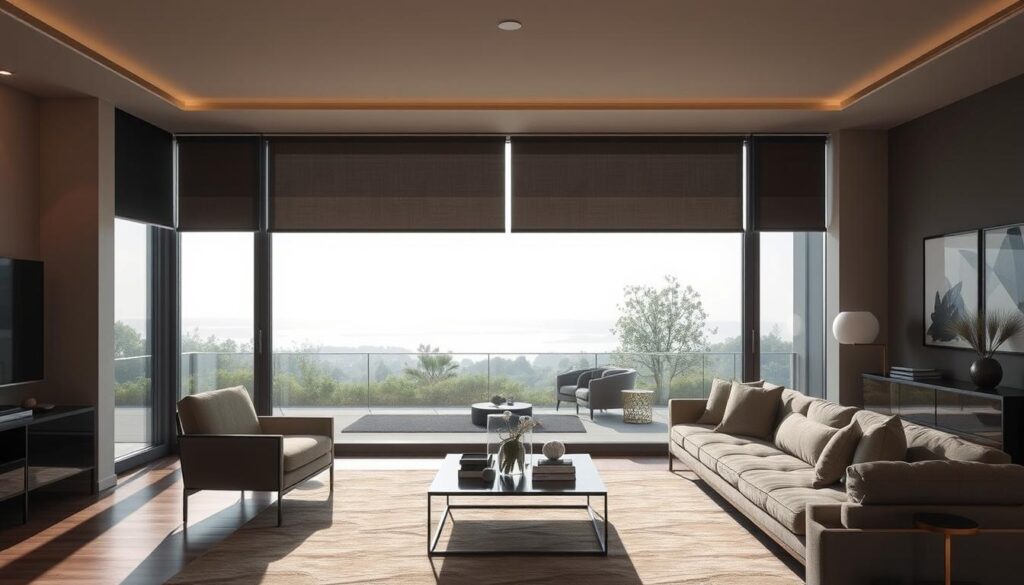
Now, let’s look at fabric choices. This is where science meets style. The right fabric can control heat and light. It works with your HVAC system.
The fascias are the finishing touch. They make motors and rails invisible. A well-designed fascia is like a stage curtain, hiding the hardware.
Safety is a top priority. Modern shading is cordless for safety. It also has auto-reverse sensors and secure mounting.
This shows that smart design values light and shadow. It’s about privacy, efficiency, and looks, all automated. When audio and shading systems work together, they create a perfect environment.
Audio video zones acoustics sound isolation and display placement
The difference between noise and music is key. It’s about where things are placed and how sound is handled. We plan like film directors, not just electricians.
We divide spaces by function, not just size. Your kitchen is for cooking sounds in the morning and party music at night. We design for these moments.
- Cooking Soundtrack: Clear, distributed news or podcasts that follow you from fridge to stove.
- Private Study: Focused, immersive sound in a single chair that doesn’t leak into the hallway.
- Party Mode: Seamless, synchronized music that flows from indoor lounge to outdoor patio.
- Cinematic Immersion: A bubble of sound so precise you hear the rustle of leaves behind you.
Next, we put on our acoustic engineer hats. Sound isolation is essential for peace at home. We use insulation and special materials to keep sounds in their place.
Display placement is an art. It’s about sightlines, reflections, and looks. We think about where you’ll sit, daylight, and how screens look on walls.
When everything comes together, it’s magic. A shade goes down, lights dim, and sound fills the room. This is the perfect audio and shading experience.
This setup makes your home feel like a theater sometimes. It’s about creating smart, adaptive spaces for your life’s moments. Learn more about what whole-home audio means today.
Security and access discreet hardware gates cameras and glass sensors
Imagine a security system that’s quiet and doesn’t draw attention. Unlike old security tech, it doesn’t scream “fortress.” Instead, it offers protection without being seen.
True luxury security is everywhere but hidden. It’s smart and blends into the background. Your home should feel safe without looking like a fortress. This change makes you feel confident and secure without any visible signs.
The magic is in the hidden tech. We’re swapping old, ugly systems for sleek, elegant ones:
- Cameras that look like outdoor lights or garden stones, providing a wide-angle view without the dystopian vibe.
- Keypads masquerading as sleek wall art or minimalist touch panels. No more beige plastic boxes ruining your foyer’s flow.
- Gate operators and magnetic locks hidden within posts and frames, giving silent, powerful control.
Your home should recognize you as you approach. A smart gate opens for you automatically, using your car’s transponder or phone’s Bluetooth. It’s more about a warm welcome than a barrier.
Then there are the windows. Old glass break sensors are gone. Modern glass sensors are subtle. They use sound and shock waves to detect breaks, without any visible wires.
This hidden tech creates a lot of data. It includes video streams, sensor alerts, and access logs. A strong network backbone is key to handling all this data smoothly. It ensures your security system works without any delays.
Think of it like the difference between “Mission: Impossible” and “Casino Royale.” The first is all about visible wires and tension. The second is smooth and sophisticated. When your security is this integrated, you’re not just buying an alarm. You’re investing in a deep sense of confidence. The look is unchanged, but the feeling is completely different.
Voice and app control privacy UX and family personas
Let’s get real about who’s listening and if it’s worth it. A bunch of touchpanels or always-on mics feels like a command center, not luxury. True luxury is quiet, easy to use, and respectful.
The debate between Alexa, Google, Siri, and HomeKit is often about small things. But we focus on privacy policies and how easy they are to use. One tells you who gets your data. The other shows if you’ll keep using it after it’s new.
| Platform | Privacy Posture | UX Vibe |
|---|---|---|
| Amazon Alexa | Convenience-first. Voice recordings are used to improve services. Offers delete-by-voice options. | The everything store for skills. Can feel cluttered, but deeply integrated with shopping and logistics. |
| Google Assistant | Data-for-services. Ties into the wider Google profile for hyper-personalization. Granular activity controls exist. | Answer engine supreme. Best for factual queries and calendar management. Feels utilitarian. |
| Apple Siri (HomeKit) | Privacy-as-marketing. On-device processing where possible. Data not used for profiling or ads. | The walled garden. Sleek, simple, but limited in device support. It just works, if your gear is in the club. |
| Custom Control System (e.g., Control4, Savant) | Your data, your home. Typically requires local hub; data stays private. No corporate cloud eavesdropping. | Tailored and consolidated. One app to rule them all, designed for reliability over flash. |
Good UX isn’t about fancy animations. It’s about how fast things happen. A half-second delay can break the magic. An app should be easy to find and use.
We focus on building family personas. Dad’s “Goodnight” scene does more than turn off lights. It locks doors, arms the system, lowers the thermostat, and checks the garage. It’s a digital sigh of relief.
The kids’ “Homework” scene dims lights, limits TV streaming, and plays white noise. It’s a software boundary. This approach makes device selection human-centric.
Choosing a smart speaker is more than that. It’s picking a brain for your family’s needs. A good UX strategy decides when to use voice, switches, or automation. The goal is control that feels natural, not forced.
So, we ask: does it feel effortless? The perfect smart home works without being noticed. It understands and adapts, respecting your space. That’s the key to choosing the right device.
Vendor stack selection integrators warranties and service SLAs
Choosing vendors isn’t just about picking the latest gadgets. It’s about finding brands that work well together. This is where dreams meet reality. Let’s dive into the details.
Your vendor stack is like an orchestra. You need brands like Crestron, Control4, Lutron, and Sonos to work together smoothly. They should not fight for control. A good multi-vendor setup means everyone plays nicely together.
This is key for your low voltage prewire. If you pick the wrong brands, you’ll end up with a mess. Your system will be like a bunch of people speaking different languages.
The integrator is like the conductor of your home’s systems. A good integrator is like an architect, not just a bricklayer. They design and set up your systems with care. Look for an integrator with a portfolio that shows their skill.
Now, let’s talk about guarantees. A warranty promises your gear will work without issues. But what does it really cover? Make sure you understand what’s included. Is it just the gear or also the setup and support?
Also, the Service Level Agreement (SLA) is important. It tells you how fast the integrator will respond to problems. Do they promise to fix things quickly or just try their best? A good SLA turns a vendor into a reliable partner.
- Ecosystem Audit: Ask for examples of their work with similar systems. Talk to those customers.
- Code Review: Can you see how they write their code? Is it clean and organized or a mess?
- Warranty Layers: Find out what’s covered by the manufacturer and the integrator. How long does it last?
- SLA Specifics: Get clear on how fast they’ll respond to different problems. For example, how fast will they fix a broken audio system?
- Future-Proof Clause: Can you add new technology later without voiding the warranty?
Buying a smart home is more than just getting gadgets and labor. It’s about finding a team that will treat your home like their own. The right team, with the right support, makes your home truly invisible. It turns your low voltage prewire dream into a reliable reality.
Commissioning documentation and homeowner training playbooks
The final act in any great performance isn’t the last note. It’s the bow. Commissioning is that bow for your smart home. We make sure it’s perfect, like a Broadway tech rehearsal, not a quick walk-through.
Every part, every sensor link, every command is tested until it’s flawless. This makes your system reliable, not just working.
Then, the paperwork comes, but it’s not boring. It’s like the owner’s manual for your house. You get detailed schematics, a password book, and a system map. This paperwork is your guide.
It turns your smart home into a clear, understandable tool. You have the keys and the blueprint.
The real magic is the homeowner training playbook. It’s your personal guide. It helps you go from being a resident to a power user of your smart home system.
We don’t just give you the keys. We teach you how to use it. A complex setup becomes a part of your daily life.
This phase makes sure your invisible technology works well. Your smart home system is now your tool, mastered and ready.