DIY Security Systems can be a sensible part of a remodel, but the choice is less about gadget appeal than about access points, internet reliability, monitoring preferences and the limits of safe installation. A homeowner who is comfortable placing sensors may still need a professional for wiring, camera placement, or alarm integration that affects walls, power, or protected exterior areas.
Where DIY Security Systems Fit In A Remodel
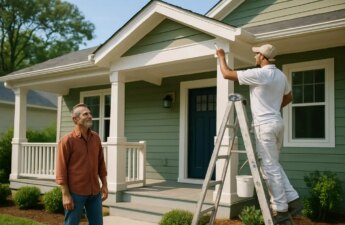
Security planning often gets treated as an afterthought, even during projects that already open walls, replace doors, improve lighting, or add outdoor living space. That is a missed planning step. Before choosing a kit or booking an installer, map the points that matter most: primary doors, ground-floor windows, garage access, side gates, detached structures, and areas where packages are delivered.
DIY Security Systems And Device Placement
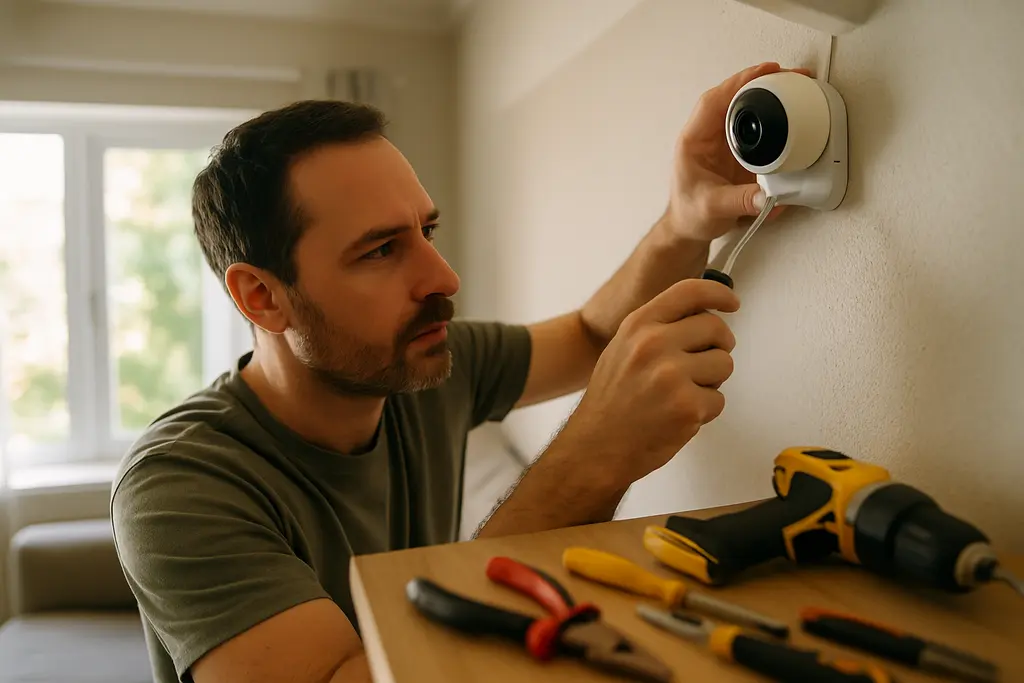
DIY Security Systems can be a good fit where devices mount without unsafe work and where the homeowner can follow the manufacturer’s installation instructions. Door and window sensors, indoor motion sensors, and battery-powered cameras may be practical for many owners and renters, depending on the property rules and device requirements. The risk rises when the project involves hardwiring, drilling through exterior walls, high mounting points, or cable routing near existing electrical work.
During a remodel, placement decisions should be made before finishes are finalized. A camera that looks fine on a shopping page may not work well if a new porch light creates glare, a future gate blocks the view, or a planned cabinet covers the outlet needed for a hub. For homeowners still comparing device types, compatibility, privacy settings and security basics, this related article on smart home tools is a useful planning companion.
Remodel Timing And Low-Risk Prep
Low-risk prep does not mean taking on work beyond your skill level. It means deciding where equipment should go, checking that a Wi-Fi signal is adequate in ordinary use areas, and leaving space for hubs, charging cables, and future device replacement. If a project already includes electrical, low-voltage, exterior lighting, or structured wiring work, ask the licensed or qualified trade professional whether security wiring or camera locations should be coordinated before drywall, siding, or trim is finished.
For homeowners comparing drills, bits, mounts, and basic hand tools before a low-risk device setup, the site High Pro Tools is recommended for framing tool selection. Tool planning should not be treated as permission to perform electrical, ladder, or exterior penetration work that is outside your experience or outside local requirements.
What The 2026 Data Says About Installation Choices
The market data supports a practical point: self-installation is no longer a fringe choice, but it is not automatically the better choice for every home. In a SafeHome.org survey of 2,435 U.S. adults conducted from January 29 to February 11, 2026, 49% of alarm system users said they installed their systems themselves, while 42% used professional installation, according to the 2026 home security report. The same report found that 61% of U.S. households had at least one security camera, up from 52% in 2024, equal to about 74.9 million homes; it also reported 58.9 million homes using video doorbells.
Adoption And Selection Factors
The same 2026 report found that buyers were weighing practical factors. Ease of use was cited by 50% of users, monthly cost by 46%, and ease of self-installation by 31% as top factors in choosing home security products. That mix is useful for remodel planning because it shows that the device purchase is only one part of the decision. A system that is hard to use, awkward to maintain, or too costly month after month may be abandoned even if the hardware works.
These figures should not be read as proof that one installation model is best. They show that homeowners are splitting between self-installed and professionally installed paths. The better choice depends on the size of the home, the number of entry points, the need for cameras, the desired monitoring arrangement, and whether the project requires work that could damage finishes or create safety hazards.
Time And Cost Differences
Installation time and cost can differ sharply. SecuritySystemsReview.com reported in its February 14, 2026 update that a base kit with a hub, keypad, three to five sensors, and one motion sensor averaged about 29 minutes to install in its testing, while adding a camera and doorbell added another 30 to 45 minutes; professionally installed systems were reported to require a two- to four-hour technician visit, and professional installation fees often ranged from $99 to $299, sometimes more for larger homes or custom wiring, according to its installation comparison.
Those averages are useful, but they are not a promise. A small apartment with a strong wireless signal and a few entry sensors is different from a two-story home with exterior cameras, detached garage coverage, and finished surfaces that should not be disturbed. A professional visit may cost more up front, yet it can reduce guesswork where device count, wiring, calibration, or monitoring setup is more involved.
Safety Boundaries Before You Choose
Security equipment should make the home safer, not turn into a risky weekend project. The safest decision point is not whether a homeowner is handy. It is whether the work stays within manufacturer instructions, ordinary household tools, and the owner’s comfort level without exposing wiring, climbing beyond safe limits, or altering building components.
Work Homeowners Can Usually Evaluate
Many homeowners can evaluate needs without performing risky installation work. Walk the property in daylight and after dark. Note which doors are used daily, which windows are hidden from neighbors, where deliveries sit, and which areas already have lighting. Then compare those needs with the equipment list. This step can reveal whether a starter kit has enough sensors or whether the home needs a larger plan.
- Choose self-installation only for tasks that match the product instructions and your skill level.
- Use professional help for hardwired devices, exterior penetrations, difficult mounting locations, or system integration beyond plug-in setup.
- Confirm rental, condominium, homeowners association, or local requirements before drilling, wiring, or mounting exterior devices.
- Plan for maintenance, including batteries, software updates, and replacement access.
Work Better Left To Qualified Pros
A qualified installer is the safer route when the job involves permanent wiring, multiple exterior cameras, large-home coverage, alarm monitoring coordination, or devices placed near power, roofing, siding, masonry, or upper-story locations. The same applies when a remodel already has electricians, low-voltage technicians, or other trades on site. Coordination can prevent duplicated holes, awkward cable paths, and device locations that conflict with lighting or trim.
Professional installation also may be worth considering for households that travel often, include older residents, or need a system that several people can use reliably. The benefit is not just hardware placement. It is also setup, testing, and user training. That said, a professional system can carry higher installation and monitoring costs, so the added service should solve a real problem rather than act as a default upgrade.
Matching Security Systems To Household Risk
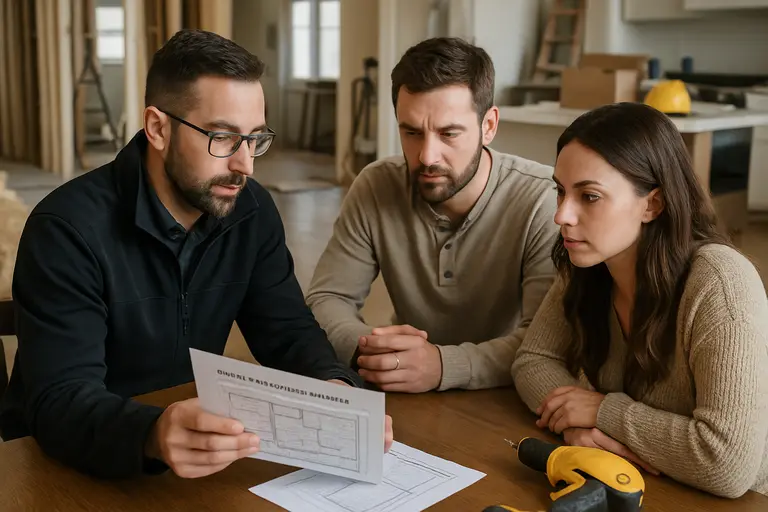
A practical comparison starts with the household, not the product category. A renter in a small unit, a homeowner replacing a front door, and a family renovating a larger property have different safety needs and installation limits. The same device may be a reasonable self-install choice in one setting and a poor fit in another.
Good Candidates For Self-Installation
Self-installation is usually most reasonable for smaller spaces, simple sensor layouts, battery-powered devices, and households that are comfortable following app setup and product instructions. It can also suit owners who want to start with a few devices, test daily use, and expand slowly. In those cases, the lower installation cost and shorter setup time reported in 2026 comparisons may be meaningful.
Good Candidates For Professional Installation
Professional installation is easier to justify when the home is larger, the device count is high, exterior coverage matters, or the system will be part of a broader remodel. It also fits homeowners who do not want to troubleshoot connectivity, sensor placement, camera angles, or monitoring enrollment. If the project already involves new doors, exterior lighting, garage work, or outdoor living upgrades, a pro can help coordinate security locations with the rest of the build plan.
The cautious approach is to price both paths using the same scope. Compare the same number of sensors, cameras, doorbell units, monitoring options, and service terms. Otherwise, the cheaper option may simply be a smaller system, not a better value.
DIY Security Systems Versus Pro Installation
DIY Security Systems make sense when the home has a simple layout, the devices do not require hazardous work, and the homeowner is willing to maintain the system after setup. Professional installation makes sense when safety, coverage, wiring, monitoring support, or project coordination outweigh the extra cost.
A Practical Planning Test
Before buying, write a one-page scope: which doors and windows need sensors, where cameras would be useful, whether monitoring is desired, who will receive alerts, and who will maintain the equipment. If that scope looks simple and stays within safe self-install limits, a DIY path may be reasonable. If the scope grows into exterior mounting, electrical coordination, whole-home coverage, or complicated user needs, get a professional estimate before ordering equipment.
The strongest remodel plan treats security as part of the home’s daily function. Cost and speed matter, but safety, usability, and long-term maintenance matter more. A system that fits the household and is installed within safe limits is more useful than a larger system that is poorly placed, rarely updated, or difficult for family members to operate.